First step
Analyze this service with the classic nmap.
Output
We got three services:
22 SSH80 webserver http443 webserver https
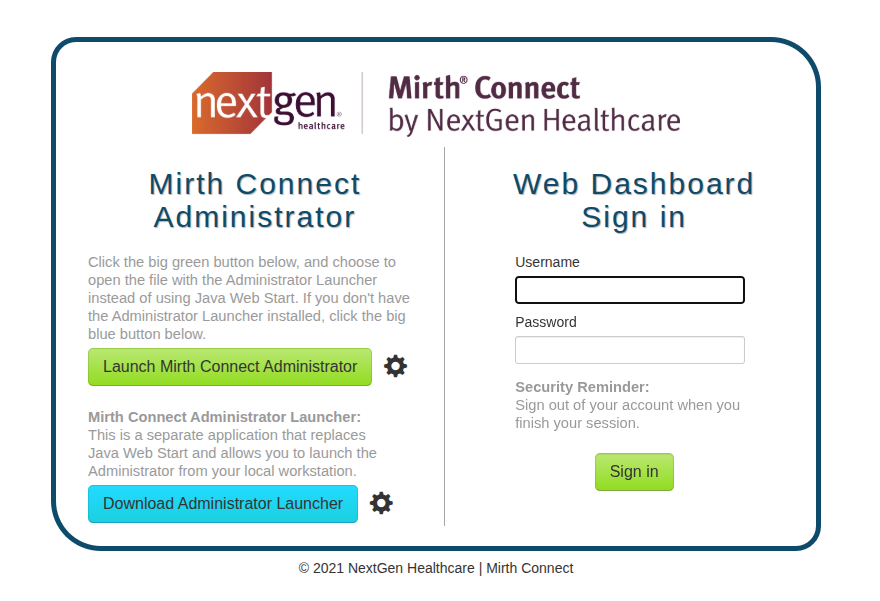
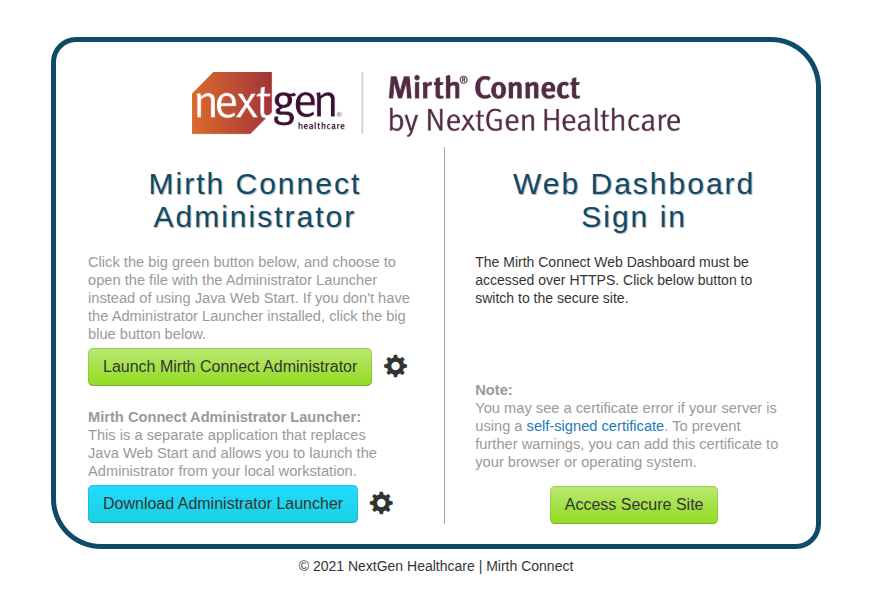
Apparently, we have these two Mirth Connect services.. Mirth is a open source data integration engine used in the healthcare industry. When we click the green button, the system generates a .jnlp file. This is a Java Network Launch Protocol file, which is essentially a configuration file. We can read this file to determine exactly which version of the service is running to search for relevant CVEs.
The number version is 4.4.0 as we can see from the configuration file or form:
Output
Port 443
Port 80
Doing some research we can find this vuln CVE-2023-43208. I'm using this POC. We open a rlwrap -cAr nc -lvnp 4444 and run
we got a reverse shell. now we can stabilize it
Diving inside the mirth
We have to look for some credentials
SQL
running cat /usr/local/mirthconnect/conf/mirth.properties, we can find the credentials for the SQL server:
looking inside the db we have just one user with id 2 username sedric. We can retrive also the hash of the password u/+LBBOUnadiyFBsMOoIDPLbUR0rk59kEkPU17itdrVWA/kLMt3w+w==.
Since we don't have the salt separate in the table, it means it is embedded inside the hash string. We can use this small script to extract it:
Output
The problem is that the password is hashed 1000 times. Since Hashcat doesn't have a default module for this specific iteration count, we would have to write a custom script, which seems like a rabbit hole.
Take information from CHANNEL table
The CONFIGURATION table just holds the global server settings (like the SMTP timeout and pruner settings you saw). In my previous message, I recommended dumping the CHANNEL table.
We don't find a hardcoded password in this channel, but you found something much better: the next step in the internal network.
Let's break down exactly what this XML configuration is telling you. This is the pipeline for the INTERPRETER - HL7 TO XML TO NOTIFY channel:
1. The Input (Source Connector)
The Mirth service is listening on port 6661 for incoming HL7 messages.
2. The Transformation
It takes specific parts of the HL7 message (like First Name, Last Name, Birth Date, ID) and maps them into an XML structure that looks like this:
3. The Output (Destination Connector)
This is the critical part. Look where it sends that XML data:
Mirth is taking the HL7 data from port 6661, wrapping it in XML, and POSTing it to a hidden local service running on port 54321.
Investigating the AddPatient API
Since Mirth is forwarding the XML data to a local service on port 54321, we need to find out what is actually listening on that port. We can check the running Python processes:
We spot a custom script named /usr/local/bin/notif.py. Critically, this script is running as root. If we try to read it with cat, we get a Permission denied error. This means we are dealing with a blind exploitation scenario.
We can interact with this internal API directly using wget (since curl is not installed on the target) by simulating the XML payload that Mirth would normally send.
First, we send a baseline request with all the expected fields. After some trial and error with the <birth_date> format (which returns [INVALID_DOB] for incorrect formats), we find that YYYY-MM-DD or MM/DD/YYYY works.
Discovering the Vulnerability
To test for injection vulnerabilities, we inject Python string formatting payloads into the <firstname> field. When we send {{d}}, the server responds with {d}. When we send {request.__class__}, we get an [EVAL_ERROR].
This proves the application is insecurely formatting our input into a string and then passing it directly into Python's dangerous eval() function! Since we can execute Python code, we can use the open().read() function to read the source code of notif.py that was previously denied to us.
Leaking the Source Code:
Analyzing the Source Code
Reviewing the dumped source code reveals why standard command injections (like $(chmod +s /bin/bash)) were failing:
-
The Filter: The application uses a strict Regex
patternthat blocks spaces, commas, dashes, and other special characters. If any of these are detected, it returns[INVALID_INPUT]. -
The Sink: The application passes our input into an f-string which is then evaluated using
eval(), leading to Remote Code Execution (RCE).
The Regex Bypass and Root Escalation
We need to execute a bash command (which requires spaces, like chmod +s /bin/bash) without putting any spaces in the XML payload.
To bypass this, we can place our bash command inside an HTTP header (like the User-Agent), which is not checked by the Regex. Then, in the XML payload, we tell the Python eval() function to extract the User-Agent string and execute it using os.system().
The Final Exploit:
Because the notif.py script is running as root, the os.system() call successfully sets the SUID bit on the bash binary.
We can verify the permissions and drop into a root shell:
Machine completely pwned!